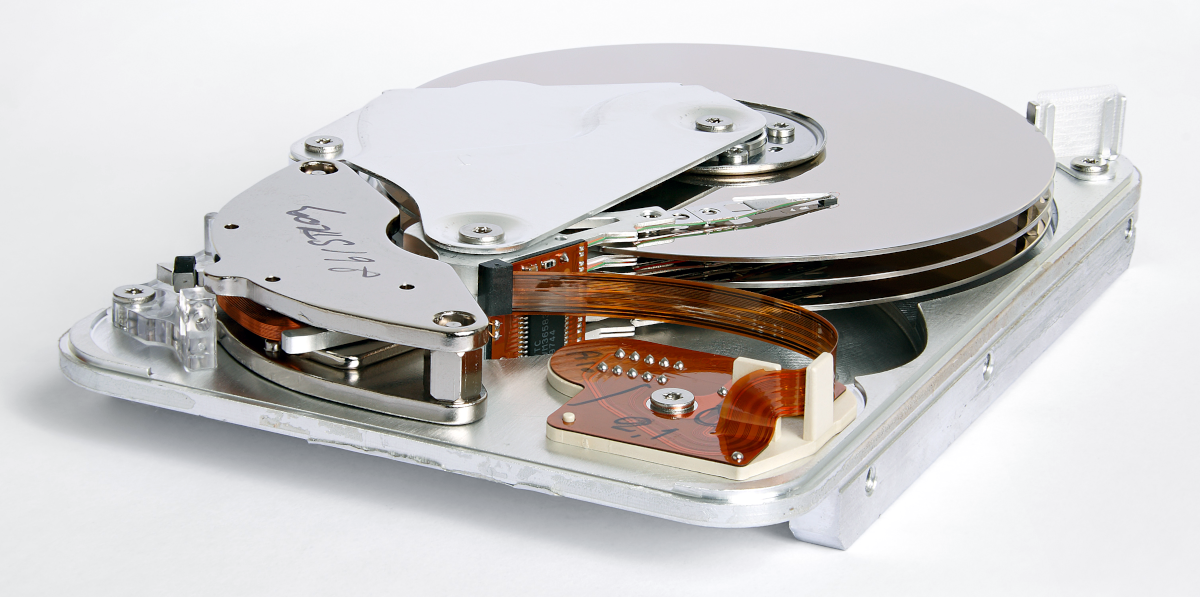
[Photo by Eric Gaba]
Ah, poor old HDDs! They served us, and served us well for decades, but today…

 The prices for building a gaming desktop PC have improved over the past few months, but they might still be too high for you. In fact, they even be so high that you consider purchasing a gaming laptop instead. As the name suggests, a gaming laptop is a laptop made with gaming in mind; big companies like Razer, Dell, and MSI make lots of these nowadays. These laptops can be attractive options for more on-the-move, lower-budget, and/or younger players as they tend to be a little cheaper and a lot more portable than desktop alternatives.
In this article, I will explore if this is a viable alternative to building your own desktop. I’ll be covering a selection of important topics, starting with those that favor the laptops and transitioning toward those that favor the desktops.
This comparison will be mainly aimed at people wanting to play games on their system. You could also use this comparison for picking a system for similar workloads like video editing or 3D rendering, but the article is written with gaming in mind. Now, let’s get to it!

SSDs have been widely available to the public for many years now, and having an SSD within your computer has become a must-have for all but the most extreme data-hoarding budget builders. But when you go online, looking to buy an SSD, you are bombarded with intricate specifications: M.2? DRAM? NAND? What is all of that?
In this article, we are looking to answer those questions, and give some buying advice at the end.
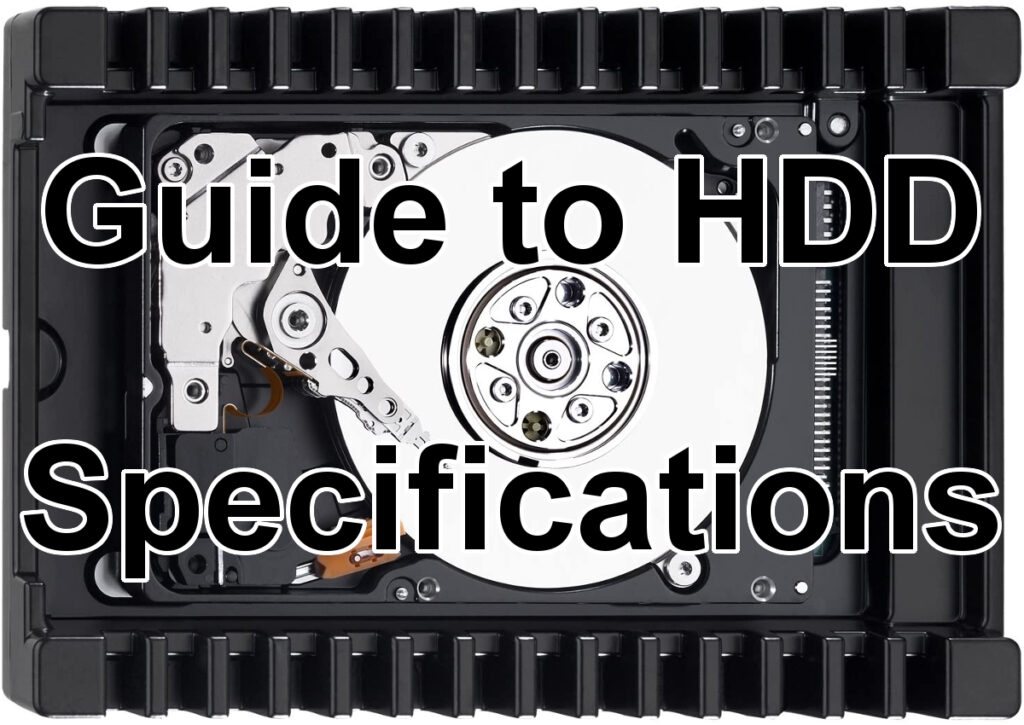
If you are looking to store your digital goodies with the most bang for the buck, then hard disk drives are undoubtedly the way to go. Whether it’s for a NAS, a secondary drive for some less-played games, or any other use where capacity is a priority over speed—there’s no beating the ‘price per gigabyte’ of HDDs. But how do you pick the perfect drive for your use case?
Although almost any modern drive should fit and work fine if there is a free compatible motherboard slot and power connection present (usually SATA, although older systems might have other connectors), there are a few different things to consider when looking to get the perfect drive. In this guide, I will be going over the what and the how of picking out your new drive (or drives!). But first, let’s take a closer look at what HDDs can offer us that an SSD or some other technology can’t, and what drawbacks there might be.

M.2 SATA, M.2 NVME, SSD, HDD—if any of those abbreviations make your head spin faster than a hard drive platter, look no further. This article outlines the different storage options on the market today, highlighting the best use-cases for each and recommending the best product in every class.
Upgrading an older storage drive to an SSD is one of the surest (and cheapest) ways to give a boost to an older PC, but where should you begin? There are three main options on the market today: HDDs, SATA SSDs, and M.2 SSDs. Here’s a look at each.


