

It’s like Crysis all over again! …Kind of.
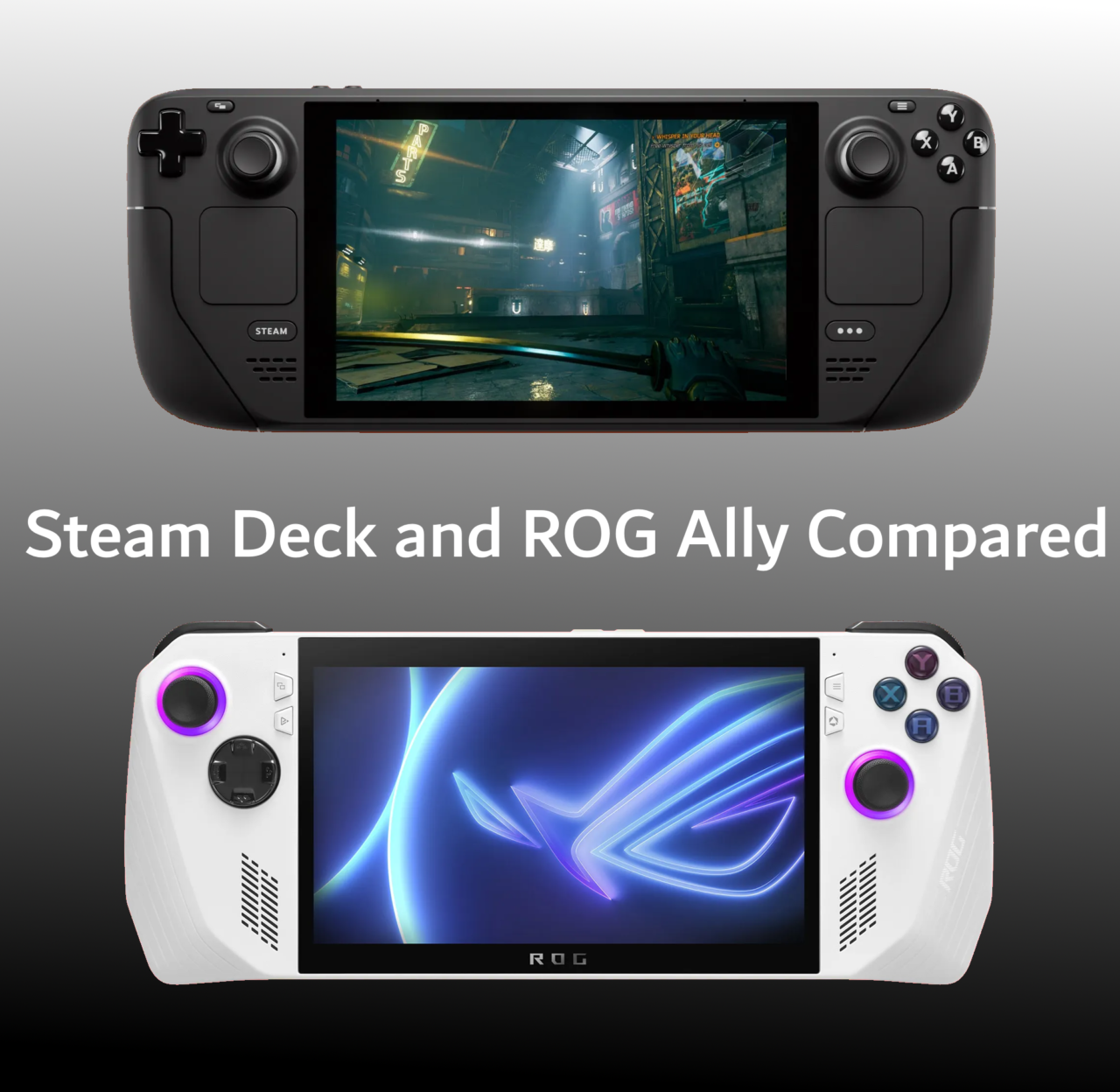
ASUS announced a potent Steam Deck competitor May 11th and released the spec sheets for two models that vary in more ways than the different Steam Deck options from Valve. We’ll be looking at the official tech specs for each device and comparing them side by side. There’s some juicy differences ahead, so let’s get started!
To keep your PC running like a well-oiled machine, you must, well… not oil it… but dust it!
Cleaning your PC can seem like a time-consuming and daunting task considering the sheer number of nooks and crannies nestled inside your case. But after reading through this simple guide, you’ll know exactly how to keep your PC pristine inside and out without breaking a sweat! We’ll also give some tips for dust prevention further down.

Air cooling versus liquid cooling is a debate as old as time. Indeed, even the dinosaurs tens of millions of years ago often argued deep in the forests of Pangaea whether air or liquid is the superior form of CPU cooling. With their methods of record-keeping lost to time, sadly we may never know the conclusions they reached…
But we can give you a pretty good idea of which cooling method suits your needs the best here in 2022.

When you think of gaming on a PC, you probably think of a mouse and keyboard. Controllers have long taken the back seat in PC gaming history but, believe it or not, there’s a handful of games out there that play better with a controller than mouse and keyboard. Yeah, I said it, and I’m not taking it back.
There’s a lot of controllers out in the wild, but which ones are the best? Out of the thousands of controllers, how can you possibly choose? Where do you even begin!?
Well, right here is a pretty good place to start, because this article is all about the 7 best options for PC gamepads you can get in 2022. Let’s begin!
Virtual Reality is an amazing thing. It lets you temporarily escape whatever mortal problems you grapple with in life: politics, expensive GPUs, your in-laws… the list is endless! But in order to power an entire virtual universe for you to freely explore and withdraw into, you’ll need quite a beefy computer to handle it.
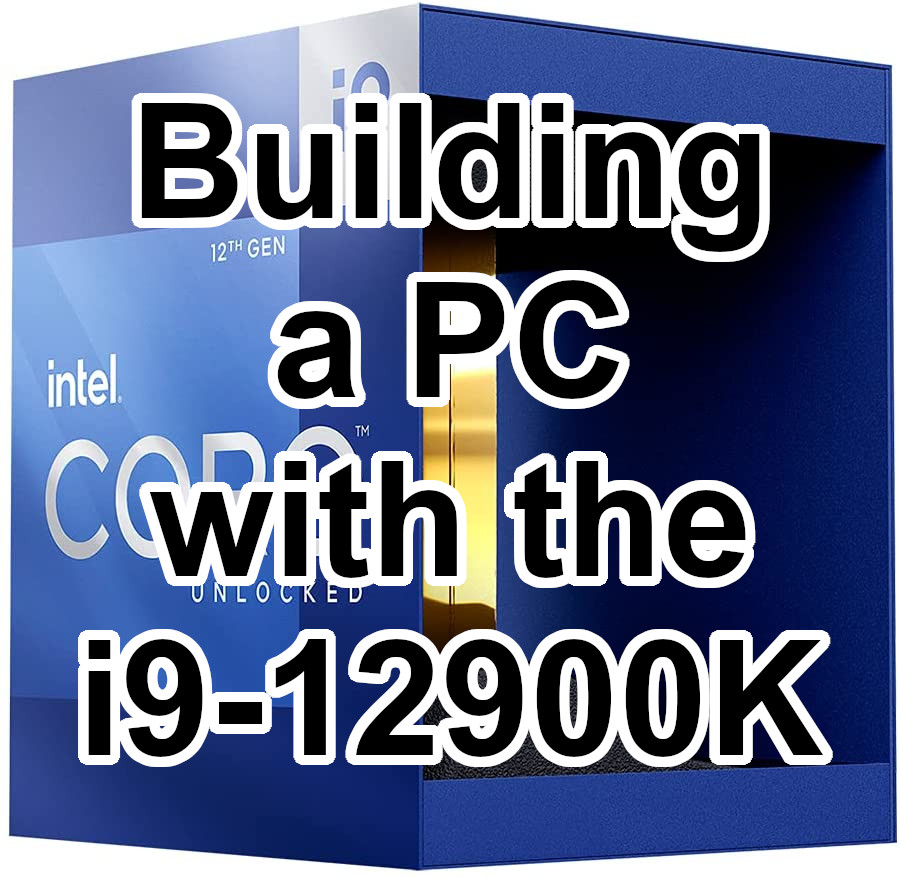
That’s why, in this article, we’ll be taking a look at building a PC with Intel’s new flagship CPU—the powerful i9-12900K. Building around that new chip, we’re aiming to put together a computer that will crank out VR performance with incredibly high fidelity.
Before we start looking at all the bits and pieces, though, let’s closely examine the heart of this beastly PC: the i9-12900K!
After spending the last several generations playing it safe and letting AMD enjoy the CPU spotlight, Intel finally decided to provide a more robust competition with their recent 12th-generation Alder Lake chips. New DDR5 RAM support, much smaller lithography, and lots more cores await to provide plenty of gaming and multitasking performance this holiday season.
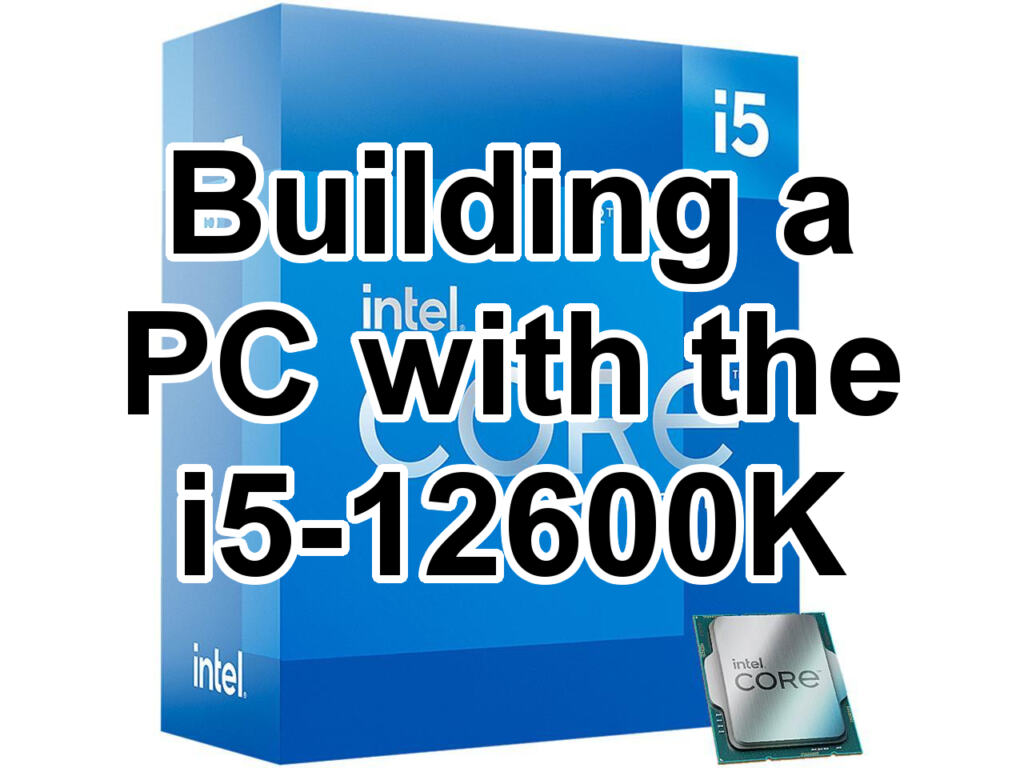
Today, we’ll be looking at a build including the i5-12600K that focuses on being compact yet powerful—capable of fitting in a tight space, or moving with relative ease from house to office (or from home office to entertainment room). As we’ll see, the i5-12600K is a multitasking master for a great price, so this will be a gaming-workstation hybrid in a nice tight package.
Before we begin, let’s explore the 12600K in a bit more depth so we know what we’re working with!
 With Intel releasing their new 12th-generation chips into a market still saturated with scalpers peddling $2000 GPUs, it’s fair to say that most people interested in this new hardware are looking to upgrade just their CPU (and motherboard) rather than putting together an entirely new build.
But it’s a lot easier to conceptualize what to upgrade when you see how the part fits into an entire build. And maybe some wild people out there are looking to build an entirely new PC regardless of the difficulties. For those reason, the ongoing graphics card woes won’t stop us from having a little fun and planning a handful of creative builds with Intel’s Alder Lake series of CPUs! For this specific build, we’ll be looking to make a quiet PC capable of letting you game in peace (without it sounding like a passenger jet is preparing for takeoff right on your desk).
First, let’s take a close look at the star of the PC: the i7-12700K!

In this comparison article, we’ll briefly examine three solutions that let you game from the comfort of your very own couch. We’ll be taking a look at dockable handhelds, including the Nintendo Switch and the Steam Deck; home consoles, including the Xbox Series S/X and the PlayStation 5; and a full-blown home theater and gaming PC right smack in your living room.
The pros and cons of each category of system will be weighed to help guide you to the best partner for your big living room television. Let’s begin!

Computer cases can come in a wide array of shapes and sizes, from a basic box you can order online to a custom-made bust of your uncle Kevin that you can slap a power supply and graphics card into.
No matter what kind of case you gravitate towards, it is important to know what form factor of motherboard will be compatible with it, and the benefits and drawbacks that accompany those sizes. Whether you are building a new PC or simply upgrading ol’ reliable, the form factor of your motherboard is an important piece of the puzzle.